

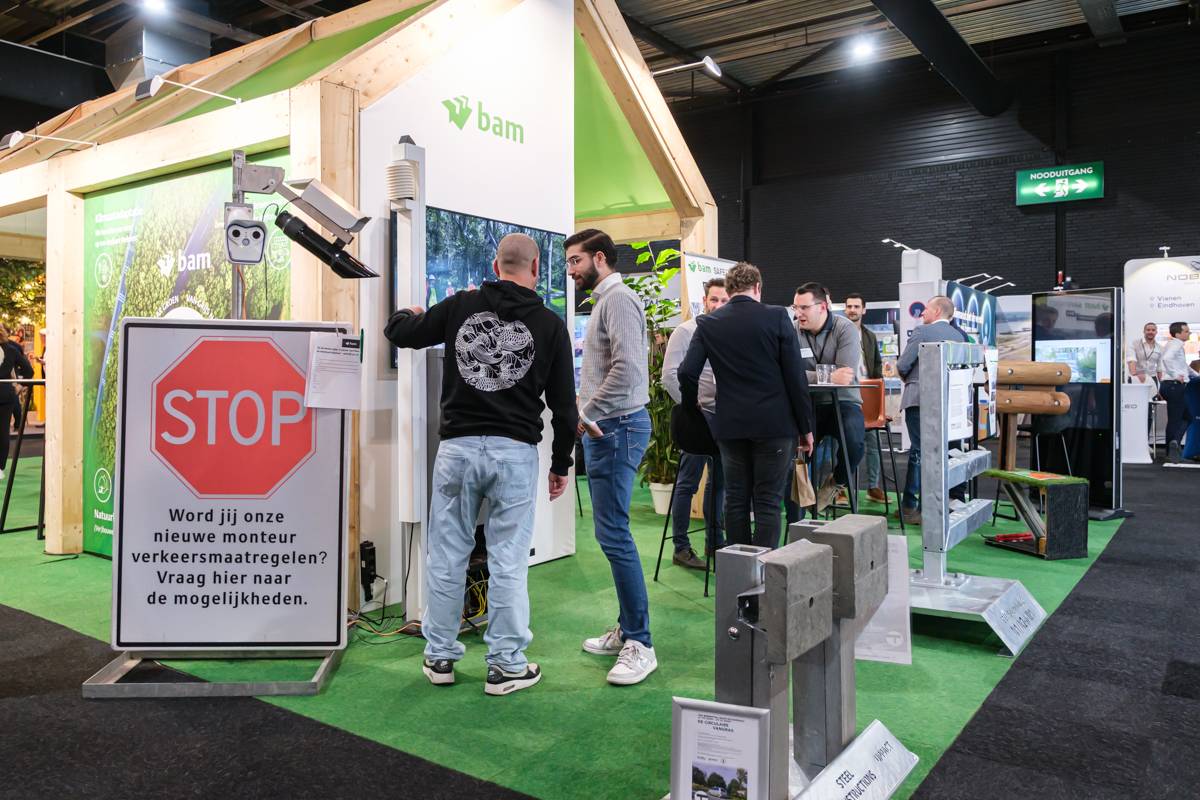

Easyfairs NL app: Optimize your trade fair participation with the event app
Meet our new event app, featuring a variety of functions designed to boost your visibility before, during, and after the event. The app allows you to connect with clients, prospects, and potential partners at any time.
🚀 Get ready by creating your profile and inviting your team members
Company details are pre-filled from My Easyfairs. All you need to do is set up your schedule for the event within the app, allowing visitors to reach out to you in advance and book appointments for the event.
🤝 Receive personalized recommendations
The app suggests the most relevant connections for you—people you’ll definitely want to meet at the event, based on your preferences and interests.

Benefits of the Easyfairs NL app
Maximize networking: Increase your opportunities to connect with like-minded professionals.
Efficient scheduling: Communicate and arrange meetings with ease.
Personalized experience: Tailor your event experience to align with your professional objectives.
How does it work?
Register your booth staff: Once registered, they will receive an email to set up their account in the app.
Set up your user profile: Tell us about your interests and what you are looking for during the event.
Download the app: Get the app and enjoy its benefits anytime, anywhere.
Get the most out of your participation
The app will go live approximately three weeks before the event begins. At that point, you will find links here for the App Store (iOS) and the Google Play Store (Android).
Download the app for your device here, from the App Store or Google Play.


FAQ
The app allows you to connect and schedule meetings with visitors, speakers, or other exhibitors. You can view the educational program and add sessions to your calendar, check information about speakers and exhibitors, and consult the floor plan.
The app can be downloaded from the App Store (iOS) or Google Play Store (Android). Search for “Easyfairs NL”.
Once you have registered your booth staff, they will receive an email inviting them to create an account in the app. This welcome email contains a registration ID/badge ID. They can then set a password, which they will use to log in from that point on.
Click the ‘Help?’ button in the app to get in touch so that the email can still be sent. Alternatively, send an email to uitnodiging@easyfairs.com.
Under ‘App users,’ you can see all users of the app. If you would like to connect with someone—for example, a visitor at a trade fair—simply find that person and click ‘Show interest’ to express your interest.
You can find all participating companies in the exhibitor list. Click ‘Show interest’ to indicate that you are interested in a company. Once the exhibitor confirms your interest, you can chat with each other or schedule an appointment.
The entire program can be viewed in the app under the ‘Program’ section. If you would like to attend a session, you can add it to your calendar by clicking the ‘Add to calendar’ button next to the session.
Under ‘Recommended for you,’ you will see recommendations tailored specifically to you—such as visitors, booth staff, other exhibitors, and more. These recommendations are based on your profile and your interests. You can choose to express interest in the suggested individuals or companies, or simply skip them.
Questions about the app?
Contact us
exhibitoractivation@easyfairs.com
+31 (0) 523 289 818